
How to Scope a Custom Web App MVP Without Building Too Much
A practical way to scope a custom web app MVP around users, the shortest complete workflow, essential integrations, and acceptance criteria.
 Sun Cluster Inc.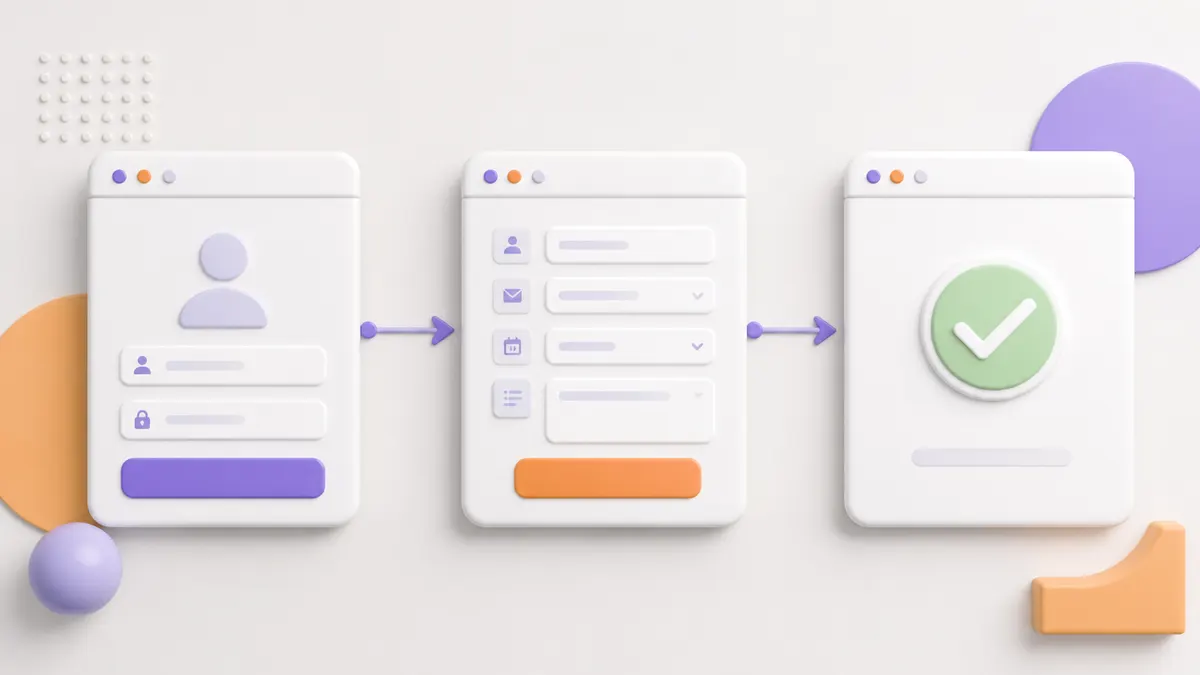
Web app projects become hard to estimate when the team starts with a long feature wish list. Start instead with the user, the job they are trying to complete, and the shortest reliable path through it.
Name the core user and job
Describe who needs the application and the specific task they cannot complete reliably today. A clear job keeps the first release grounded in a real workflow rather than a collection of features.
Map the shortest complete workflow
Follow a user from entry to a useful outcome: sign in, provide information, make a request, receive a status, or complete an approved action. Keep exceptions visible, but do not build every possible branch in version one.
Separate essentials from later improvements
A must-have is required for the core workflow to work. Filters, additional reports, optional roles, and secondary automations may be valuable, but should be sequenced after the first outcome is dependable.
- Core user outcome
- Required data
- Minimum roles
- Essential notifications
- Deferred enhancements
Define permissions and integrations
List the users, what they can see or change, and which existing systems the MVP truly needs. An integration should earn its place by completing the first workflow, not by being available.
Include non-functional needs early
Consider security boundaries, responsive use, accessibility, audit needs, performance expectations, backups, and support ownership. These are product requirements, not optional polish.
Write launch and acceptance criteria
Agree on the test scenarios, data needed for launch, training or documentation, and who accepts the completed workflow. A limited first release is easier to control when everyone can identify what complete means.
Use a complete user journey to test MVP scope
Write one realistic journey from sign-in to completed outcome. Include the information entered, validation, permission checks, notifications, and the place the user sees progress or a result. If a feature does not help that journey complete, it is usually a candidate for a later release.
Also test the journey from the staff or administrator perspective. Someone needs to correct records, handle exceptions, respond to a failed integration, and understand what happened after a request is submitted.
- Primary user and completed outcome
- Required data and permissions
- Exception and staff-handling path
- Acceptance owner and test data
Common questions
Is an MVP simply a smaller feature list?
No. It is the smallest complete workflow that a real user can finish. Removing a feature is useful only when the workflow still reaches a meaningful outcome.
When should an integration be included in an MVP?
Include it when it is required to complete the first user workflow or preserve a necessary source of truth. Other integrations can be planned for later.
Discuss your software project
Have a defined workflow, integration, or delivery question? Tell us about the technical constraints and the outcome your team needs to support.
Contact Sun Cluster