
Operational dashboards for staff, managers, or executives.
Business software
Internal dashboard development for teams that need one place to review work, reduce reporting overhead, and replace spreadsheet sprawl.
For Canadian operational teams, we build internal dashboards for reporting, approvals, and workflow visibility, including custom metrics, role-based views, and integrations with existing business systems.
01
Dashboards built around real reporting and workflow needs, not generic charts.
02
Useful when a team needs status visibility, approval tracking, or fewer manual reports.
03
Often paired with automation, portals, or custom business software.
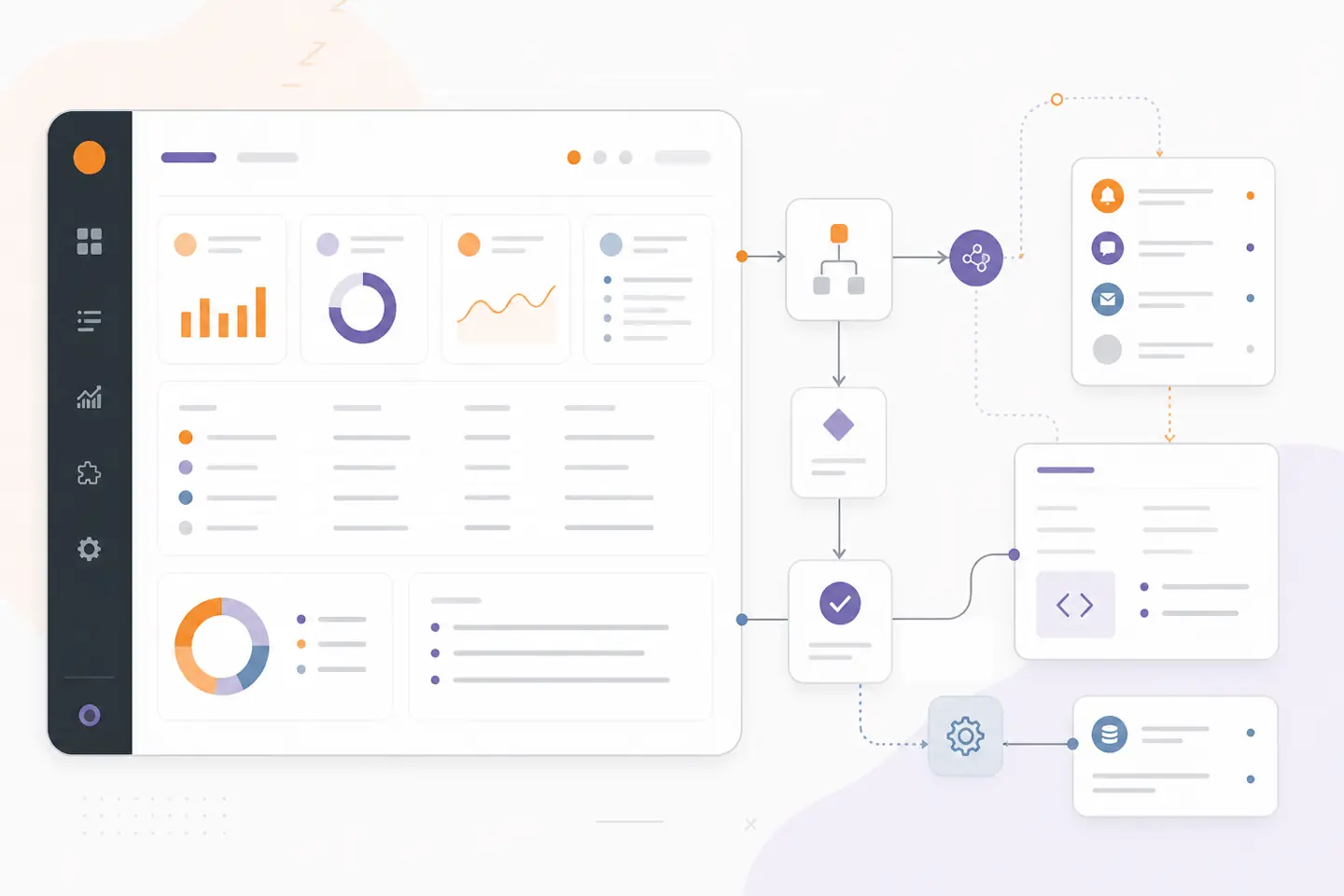
Operations system view
System outline
01
Customer touchpoint
Website · portal · app
02
Workflow layer
Automation · approvals
03
Connected tools
APIs · data · alerts
04
Operational view
Status · reporting
CRM systemsBooking toolsPayment systemsGoogle Sheets
What we build
Software shaped around the way your team works.
We turn the essential parts of your workflow into maintainable software, with a clear path for integration, testing, and day-to-day operation.
Explore all servicesTables, filters, and status views tied to the actual work process.
Approvals, alerts, and reporting exports where the workflow needs them.
Connections to CRM, booking, payment, or internal data sources.
From requirements to a working system
Dashboard plan
Users, metrics, required filters, integrations, and decision points.
Screens and views
Tables, charts, status boards, drill-downs, and admin controls.
Data pipeline
The logic that pulls, syncs, or calculates the information the dashboard shows.
Adoption support
Training notes, rollout guidance, and follow-on enhancement options.
Our approach
How we plan internal dashboards around real decisions.
Internal dashboard builds vary based on how much data cleanup, automation, and role-based access is needed around the reporting surface.
1
Dashboards built around real reporting and workflow needs, not generic charts.
2
Useful when a team needs status visibility, approval tracking, or fewer manual reports.
3
Often paired with automation, portals, or custom business software.
Common challenges
Dashboard problems that start with scattered reporting and unclear status.
01
Weekly reporting is still built by hand from multiple tools.
We connect the data sources, shape the metrics, and put the important views in one dashboard.
02
Teams do not know what is blocked, overdue, or waiting for action.
We design the dashboard around exceptions, queues, and responsibility rather than passive charts alone.
03
Existing dashboards show data but do not match how staff actually work.
We build role-based views and workflow actions that support the day-to-day operation.
Integrations & technology
Connected to the data sources your dashboard needs to explain.
We confirm platform access, technical limits, and the right operating boundaries before implementation begins.
CRM systemsBooking toolsPayment systemsGoogle SheetsPostgreSQLAirtable
Related services and resources
Custom business software OntarioHow internal dashboards reduce manual workCase studies and engineering project stories
Project example
AI document intake and review workspaceFrequently asked questions
Can a dashboard include approvals or workflow actions?
Yes. Internal dashboards can include actions, not just read-only charts, when the operation needs approvals, assignments, or status changes.
Do you connect dashboards to existing systems?
Yes. Dashboard projects often pull from CRMs, spreadsheets, payment systems, databases, or other internal tools.
Is this only for trading teams?
No. We build internal dashboards for trading workflows and for other business operations that need reporting and visibility.
Scope an internal dashboard
If your team is still assembling reports by hand, we can scope the dashboard and the data flow around it.