
Automated intake, routing, approvals, notifications, and follow-up paths for recurring work.
Business software
Business process and workflow automation for teams that need fewer manual handoffs, clearer status, and faster follow-through.
Sun Cluster builds workflow automation systems for organizations across Ontario and Canada, covering data entry, approvals, notifications, follow-ups, reporting, booking, and recurring operational tasks.
01
For operations that still depend on inbox chasing, spreadsheet updates, and repeated manual follow-up.
02
Connects the steps, ownership, notifications, and records that make a process easier to run.
03
Can start with one high-friction workflow, then expand into broader business automation.
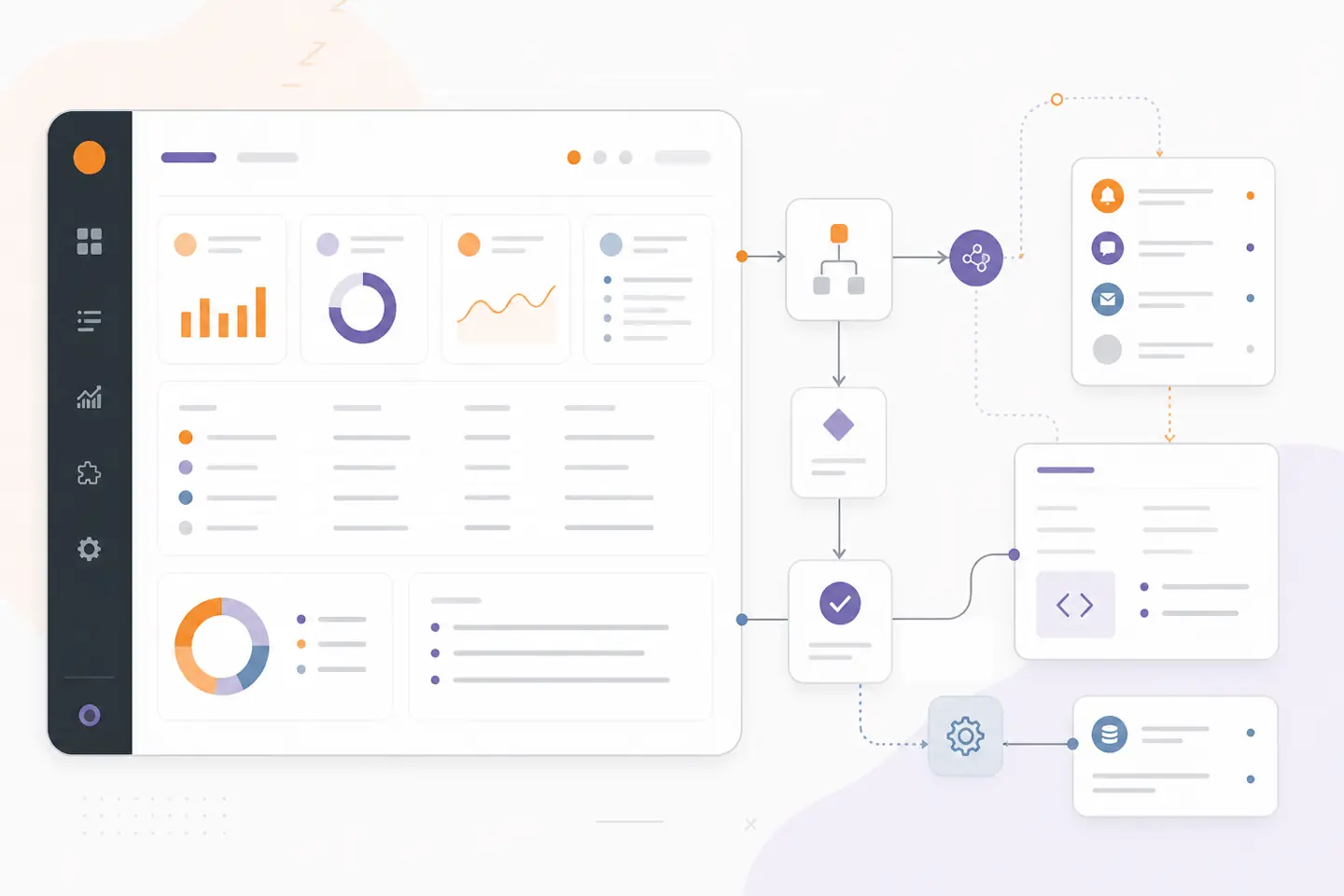
Operations system view
System outline
01
Customer touchpoint
Website · portal · app
02
Workflow layer
Automation · approvals
03
Connected tools
APIs · data · alerts
04
Operational view
Status · reporting
HubSpotPipedriveGoogle WorkspaceMicrosoft 365
What we build
Software shaped around the way your team works.
We turn the essential parts of your workflow into maintainable software, with a clear path for integration, testing, and day-to-day operation.
Explore all servicesWorkflow systems that make ownership, current status, and next actions easier to see.
Automated reporting, document handling, data movement, and routine administrative steps.
Connected processes that bring CRM, booking, forms, spreadsheets, and internal tools into one flow.
From requirements to a working system
Process review
Current steps, bottlenecks, systems, owners, exceptions, and measurable improvement targets.
Workflow design
Rules, routing, task states, notifications, approvals, and required integrations.
Automation build
The software, integration, or dashboard layer that runs and monitors the process.
Operational handoff
Testing, documentation, staff guidance, and the next workflow to automate.
Our approach
How we design workflow automation systems.
The best starting point is usually one recurring workflow with visible delays or repeated manual effort, followed by phased expansion.
1
For operations that still depend on inbox chasing, spreadsheet updates, and repeated manual follow-up.
2
Connects the steps, ownership, notifications, and records that make a process easier to run.
3
Can start with one high-friction workflow, then expand into broader business automation.
Common challenges
Workflow problems that create manual handoffs and status chasing.
01
Important work is spread across email, spreadsheets, and disconnected tools with no reliable owner or status view.
We map the current process and replace the manual handoffs with a controlled sequence of tasks, rules, and notifications.
02
Leads, requests, bookings, or approvals are delayed because follow-up depends on someone remembering.
We automate the reminders, routing, and exception handling so the operation responds more consistently.
03
Automation tools exist, but the process is too specific or fragile for a simple template.
We build the software or integration layer that matches the actual business rules and operating constraints.
Integrations & technology
Connected to the tools where your workflow already happens.
We confirm platform access, technical limits, and the right operating boundaries before implementation begins.
HubSpotPipedriveGoogle WorkspaceMicrosoft 365QuickBooksZapierMake
Related services and resources
Project example
Workflow and task automation dashboardFrequently asked questions
What kinds of business processes can you automate?
Common examples include lead routing, follow-ups, booking, approvals, notifications, reporting, file handling, status updates, and routine data movement.
Can automation connect our existing tools?
Yes. Workflow automation often connects the tools you already use, provided the required APIs, permissions, or export options are available.
Do we need to automate everything at once?
No. Starting with one high-friction workflow is usually the clearest way to prove value before expanding the system.
Plan workflow automation
Show us the recurring process that causes delays or repeated admin work. We will identify the most practical automation starting point.