
Workflow Automation vs Custom Software: What Does Your Business Need?
How to choose between workflow automation, existing tools, a dedicated custom application, or a hybrid approach based on approvals, routing, integrations, and ownership.
 Sun Cluster Inc.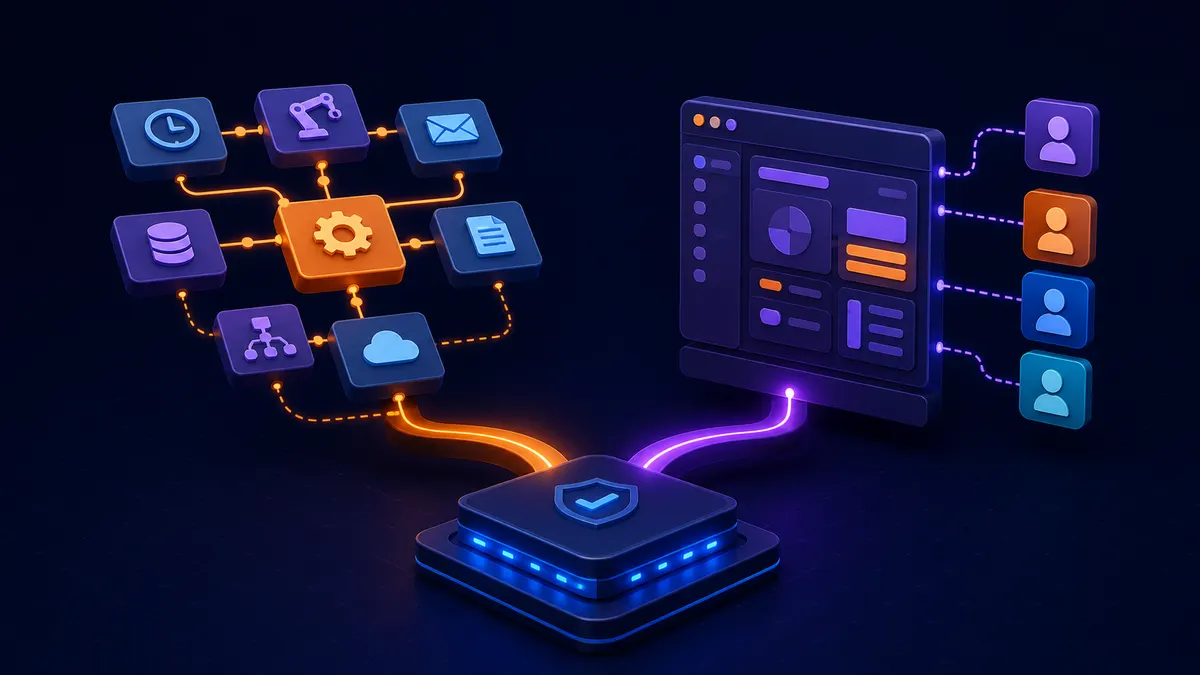
The practical choice is not always automation or custom software. Many teams need a combination: use existing tools where they fit, automate predictable handoffs, and build only the interface or system of record that is truly missing.
Understand what automation changes
Automation connects or executes defined steps: route a request, update a record, send a notification, or collect data. It may not provide the shared interface, governance, and history a broader operation needs.
Keep existing tools where they fit
If a system already owns the data and users can work within it, configuration or a focused integration may be more sensible than replacing it.
Assess approvals, routing, and notifications
A predictable handoff with clear inputs can often be automated. Complex decisions should be represented as a visible exception or approval path rather than an opaque rule.
Watch for fragile integration patterns
Spreadsheet handoffs, manual exports, credentials shared between people, and undocumented automations make a workflow hard to support. Improve observability and ownership before adding more dependencies.
Recognize when a dedicated application helps
A custom application may be justified when users need accounts, role-specific views, durable records, complex forms, controlled access, or a workflow that cannot live cleanly inside connected tools.
Choose a hybrid path when appropriate
A custom portal or dashboard can sit alongside established systems while targeted integrations move data between them. The goal is a reliable operating model, not a preference for a particular technology.
Use a hybrid roadmap when the boundary is mixed
Many organisations do not need to choose one approach for everything. Existing tools may retain their records, an automation can handle predictable handoffs, and a custom portal or dashboard can provide the interface that is missing. The roadmap should state what each part owns.
Sequence the work around a complete operational improvement rather than a technology label. This avoids building a new system of record when a focused workflow layer would solve the immediate problem.
- Existing system that remains authoritative
- Predictable handoff to automate
- Interface or record that is actually missing
- Exceptions that stay with people
Common questions
Can automation and custom software share the same data?
Yes, when the data ownership, integration contract, permissions, and recovery behaviour are defined. The important question is which system is authoritative for each record.
When is a dedicated application justified?
It becomes more useful when users need accounts, role-specific views, durable records, controlled access, or workflows that do not fit cleanly inside connected tools.
Discuss your software project
Have a defined workflow, integration, or delivery question? Tell us about the technical constraints and the outcome your team needs to support.
Contact Sun Cluster