When a Customer Portal Is Better Than Email and Shared Drives
How to decide whether customer requests, documents, statuses, and approvals should move from email and shared drives into a customer portal.
 Sun Cluster Inc.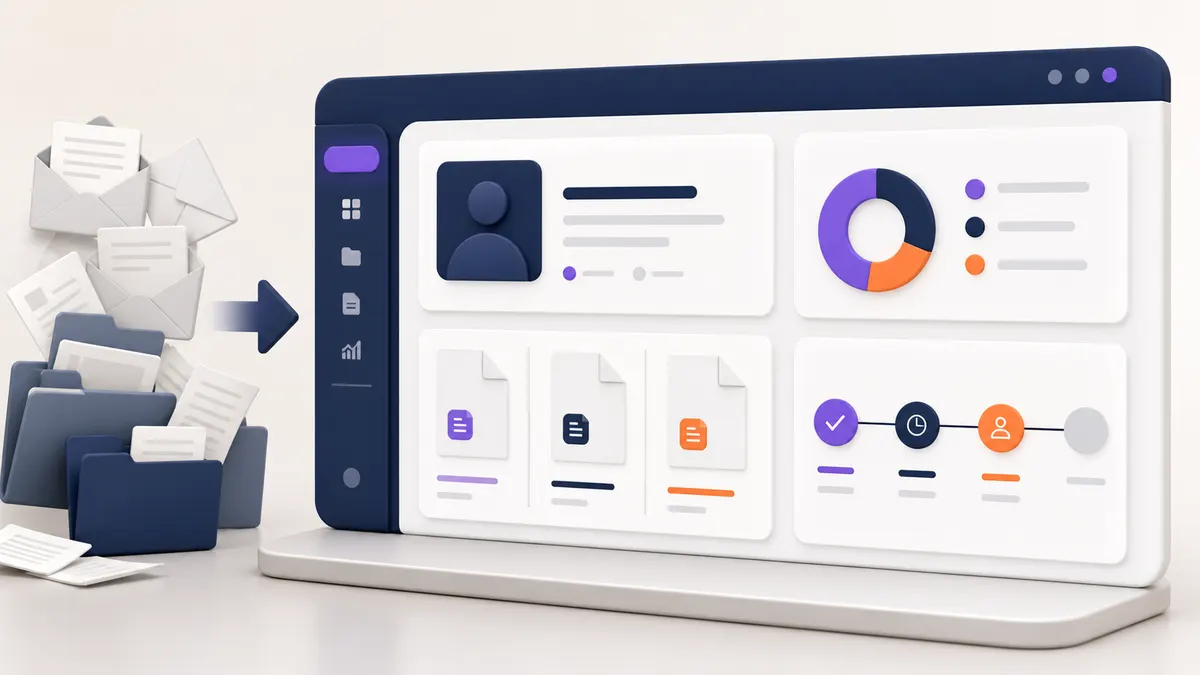
Email and shared drives are flexible, but they become difficult to manage when customers repeatedly ask for files, updates, approvals, or status information. A portal should solve a defined workflow rather than become a new destination for everything.
Recognize repeated requests as a workflow signal
If staff repeatedly send the same documents, status updates, forms, or reminders, the interaction may be structured enough to support a self-service portal.
Decide what belongs in the portal
Start with the tasks customers need most often: viewing a status, submitting a request, downloading an approved document, or completing a form. Keep internal-only work in the internal system where appropriate.
Design accounts and permissions
A portal needs a clear account model, organization relationships, and access rules. Avoid assuming a shared link is an acceptable replacement for controlled customer access.
Connect existing systems intentionally
Identify whether requests, documents, or statuses originate in a CRM, operations tool, or file repository. Integration work should preserve the reliable source of truth rather than create new manual copies.
Plan for adoption
Customers need a clear reason to use the portal and an easy first task. Staff also need to know which requests remain in email and how exceptions are handled.
Release the first useful version
Begin with a small set of high-volume interactions, then review whether it reduced follow-up work and made information easier to find before expanding the portal.
Start with one contained customer job
A first portal release works best when it solves a recurring, bounded task: submit a request, view status, download an approved document, or complete a form. Customers should understand why that job belongs in the portal instead of email.
Leave unusual conversations and internal-only work in the channels that support them. Adoption improves when staff can explain the boundary and when the portal shows a dependable record of the customer’s request or status.
- High-volume customer task
- Account and access rule
- Authoritative status or document source
- Exception route outside the portal
Common questions
Does a portal need to replace email entirely?
No. Email can remain appropriate for exceptions and conversations. The portal should improve the recurring interactions that benefit from shared status, controlled access, or a durable record.
What is the first feature to prioritise?
Prioritise the customer job that creates the most repeated follow-up and has a clear underlying source of truth.
Discuss your software project
Have a defined workflow, integration, or delivery question? Tell us about the technical constraints and the outcome your team needs to support.
Contact Sun Cluster