
Client portals
Client Portal Workspace
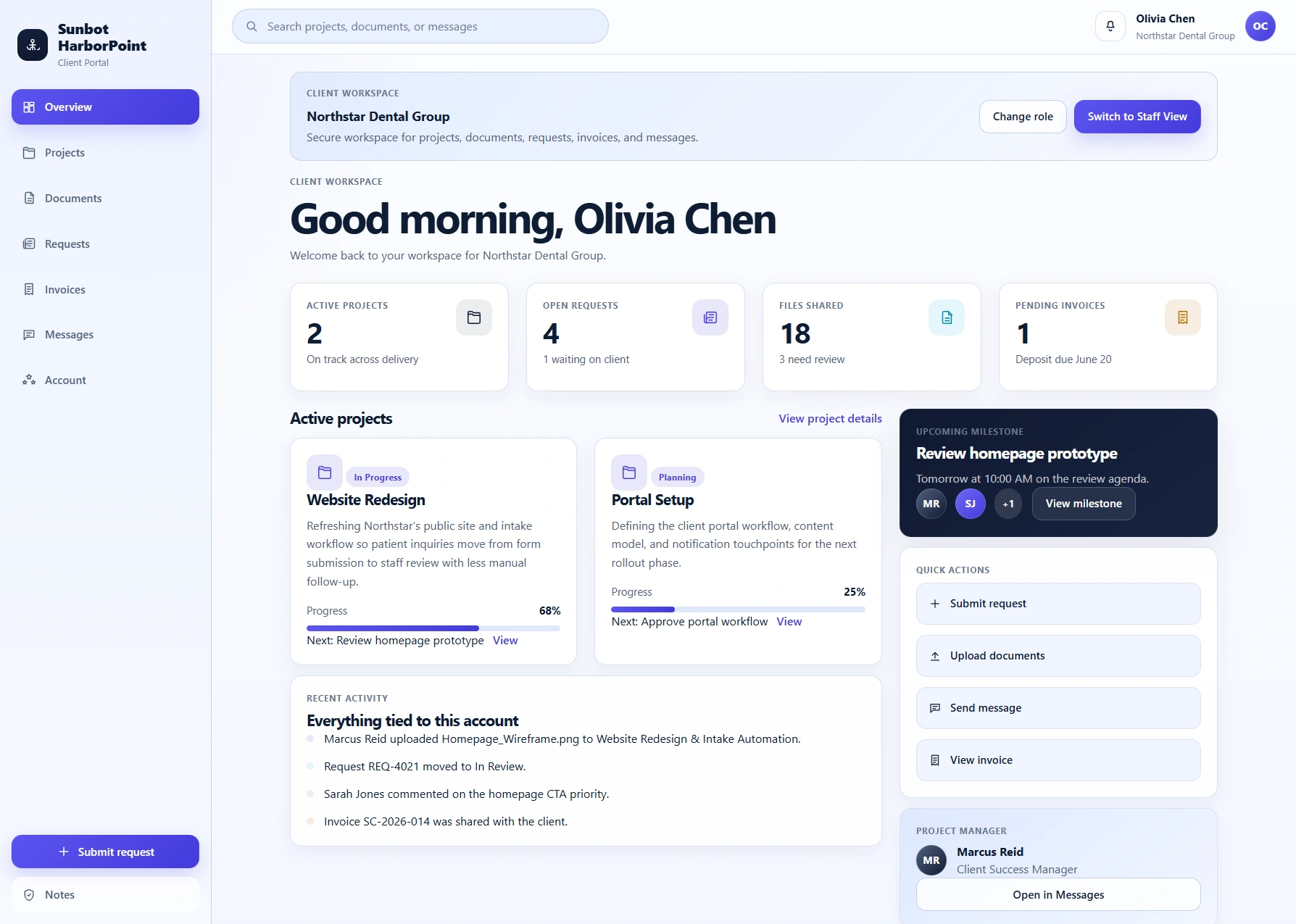
A portal application with separate client and staff workspaces for project status, files, requests, messages, invoices, and operational review queues.
Key product capabilities
- Client dashboard and project-progress views
- File, request, invoice, and message areas
- Staff-side client and request management screens
Built around the workflow
How the workflow is designed
The client workspace brings progress, milestones, files, requests, invoices, and messages into one clear account experience instead of spreading updates across email and shared folders.
The staff workspace complements it with client lists, request queues, file review, and administration screens for external visibility and internal operations.
Workflow at a glance
From request to next action
- 01Clients sign in to review their project workspace
- 02They view updates, files, invoices, and open requests
- 03New requests and messages enter the staff queue
- 04Staff review, respond, and keep project information current